
Changing Theme Color
To change Application or Theme color follow the below steps:
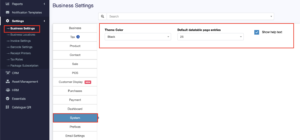
- Go to Settings -> Business Settings -> System (tab)
- Change the Theme Color to your desired color. A total of 11 colors (Light & Dark options) are given
Still stuck? How can we help?
Last updated:
Was this article helpful to you?