Opening Balance:
Opening balance is the balance ustomer have at the beginning of using the software.
Suppose you’re shifting the data from another software to NEXA ERP then the opening balance of the Customer will be the balance amount which the customer has to pay to you.
Opening balance for customer = Amount the customer has to pay
Adding Opening Balance
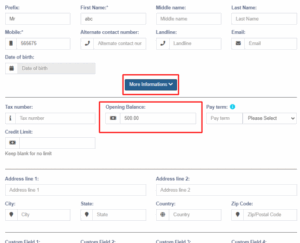
You can add an opening balance when adding/editing the supplier or customer. In the add contact screen, you will find the opening balance field.
View Opening Balance Payment
To view the opening balance of contact, go to List Customer, go to view, and on the view page, you will find the opening balance & opening balance due.
Pay or receive payment of opening Balance
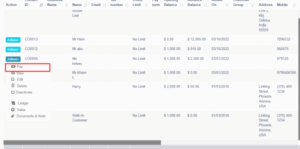
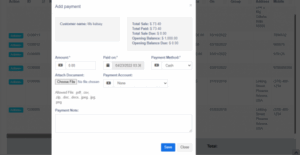
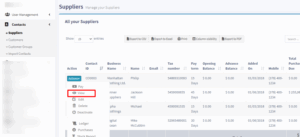
Adding payment of the opening balance is the same as any other payments. Go to list Customer -> Actions -> Pay.
It will open a popup modal where you can enter the payment amount.